How to Set Up Your First Commission Plan
The pay plan is the single most important setup step in AgencyIQ. Get it right and your pay runs are boring. Get it wrong and you're running disputes for weeks.
In this guide:
- The difference between a base rate and a bonus
- Step-by-step: build a simple pay plan
- The 6 types of bonuses you can add
- How to test your plan before running real pay
Time to finish: ~20 minutes for a basic plan. Best for: Agency owners.
What's in a commission plan?
Two pieces: base rates and bonuses.
- Base rate — the percent (or flat dollar amount) a producer gets for each sale
- Bonuses — extra pay for hitting milestones, streaks, or team targets
Example. A producer's plan might be: 5% on auto, 7% on home, 50% on life — plus a $500 bonus for writing 30 policies in a month.
The 6 steps at a glance
Each step is detailed below.
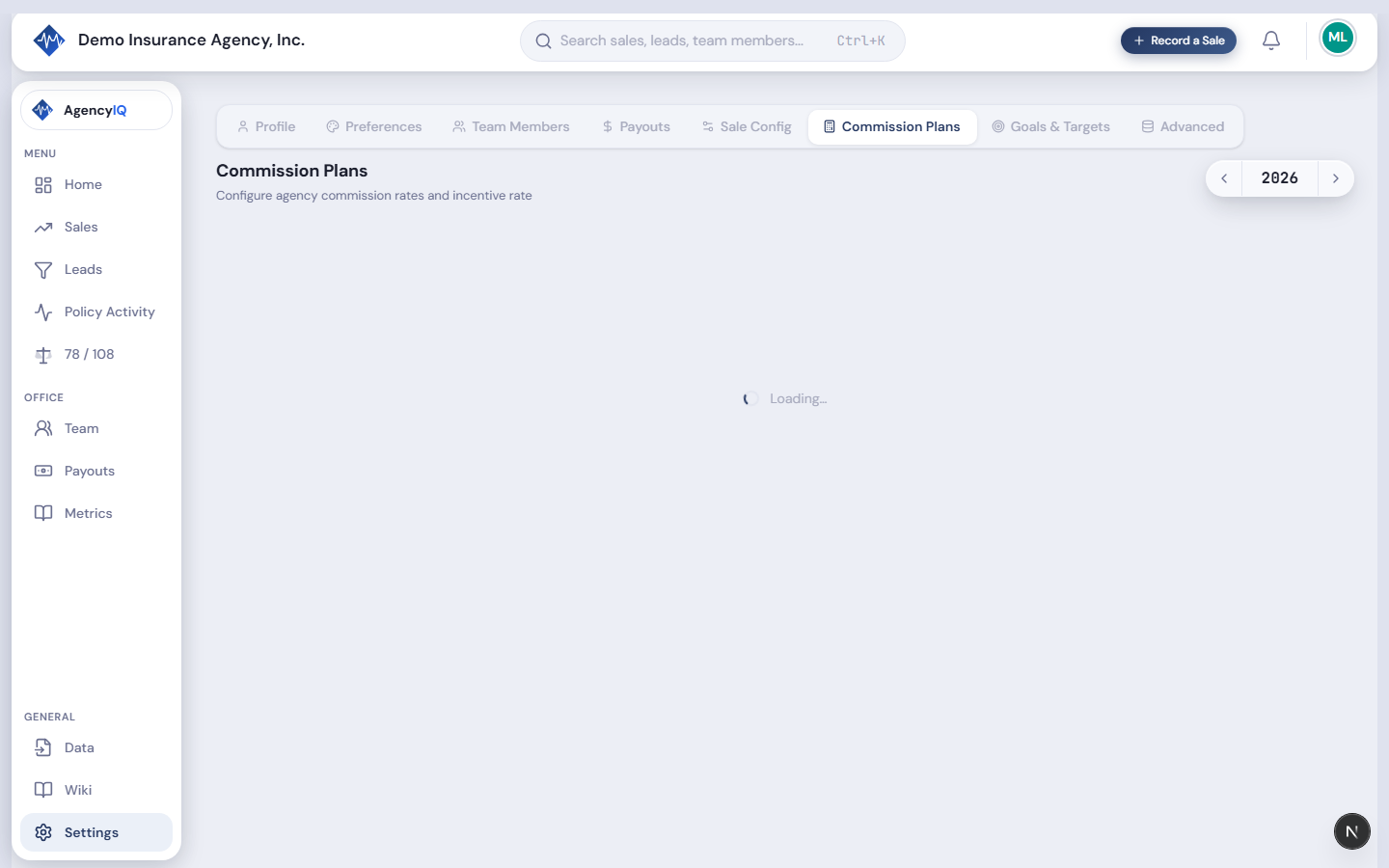
Step 1 — Go to Settings → Commission Plans
Click Settings in the sidebar, then the Commission Plans tab.
Step 2 — Click New Plan
In the top-right, click New Plan. Give it a name — something clear like "Standard Producer 2026" or "Senior Producer Plan."

Pro tip. Include the year in the plan name. Pay plans change year to year, and AgencyIQ can have multiple versions active over time.
Step 3 — Set your base rates
You'll see a table with rows for each product (Auto, Fire, Life, Health). Pick how each one gets paid:
| Option | When to use |
|---|---|
| % of premium | Most P&C lines — e.g., 5% of auto premium |
| Flat per sale | Some life and specialty lines — e.g., $50 per policy |
Type your rate in each row.

Typical base rate ranges for independent agencies
| Product | Producer split (of agency's commission) |
|---|---|
| Auto (new) | 20–40% |
| Auto (renewal) | 10–25% |
| Home (new) | 25–45% |
| Home (renewal) | 15–30% |
| Life | 30–60% |
| Commercial | Varies widely — negotiate case-by-case |
These are splits of the agency's commission, not of the customer's premium. So 30% of an agency's 12% auto commission is 3.6% of premium.
Step 4 — Add bonuses (optional)
Under base rates, click Add Bonus. You'll see 6 types to pick from.
The 6 bonus types in AgencyIQ
| Type | How it works | Best for |
|---|---|---|
| Standard | Flat amount when a target is hit | "Write 30 policies, get $500" |
| Tiered Flat | Different flat amounts at different tiers | "20 policies = $200, 30 = $500, 40 = $1,000" |
| Milestone | One-time payout when a big number is hit | "First $100K in premium this year = $1,000 bonus" |
| Streak | Extra pay for consecutive good months | "3 months in a row of hitting goal = $750" |
| Team Goal | Agency-wide target pays everyone | "If the agency hits $400K this month, every producer gets $250" |
| Highest Tier | Auto-finds the best tier a producer qualified for | Simplifies multi-tier plans |

Keep it simple for the first plan. A base rate plus one or two bonuses is plenty. You can always add more later.
Step 5 — Assign the plan to producers
After saving the plan, go to the Assignments section. Pick which producers are on this plan and the start date.

Start dates matter. If a producer switches plans mid-year, make sure the old plan has an end date and the new plan has a matching start date. No overlaps, no gaps.
Step 6 — Test the plan before running pay
Open the Payouts page and look at the preview for this month. You'll see each producer's pay broken down — base rate per sale, bonuses earned, total pay.

What to check
- Base rates look right for each product
- Bonuses are being earned correctly
- No wildly high or low numbers vs. your old system
- Each producer's total is in the ballpark of what you expect
Always preview before paying. A bad plan setup caught in preview is 10 minutes to fix. Caught after paying is a dispute.
How does AgencyIQ handle chargebacks?
Two options — pick one in Settings → Payouts.
| Option | What happens when a policy cancels |
|---|---|
| Prorated | Producer keeps the commission for the time the policy was active |
| Full | Producer owes back the whole commission, regardless of how long it was active |
Example. A 6-month auto policy at 4% commission on $1,000 premium = $40 commission. If it cancels after 30 days, prorated keeps $6.67 for the producer. Full charges back the whole $40.
Prorated is more common and fairer. Full is stricter.
What is "carry forward" and why does it matter?
Commission that was earned but hasn't been paid yet rolls forward to the next pay period.
This happens when a policy has been written but hasn't issued yet. AgencyIQ waits to pay the commission until the carrier actually issues the policy. That way you're not paying on policies that never bind.
You'll see carried-forward dollars as "Outstanding" on each producer's pay statement.
Frequently Asked Questions
Can different producers be on different plans?
Yes. You might have a standard plan, a senior plan, and a ramp-up plan for new hires. Each producer gets assigned to one plan at a time.
What if a producer changes plans mid-year?
End the old plan as of the switch date, and start the new plan the next day. AgencyIQ uses the plan that was active on each sale's written date.
Can I pay differently on new business vs. renewals?
Yes. The base rate table lets you set different rates for new and renewal. Most agencies do — new business pays higher than renewal.
What if I want to give a one-off bonus outside the plan?
Use the Manual Bonus field on the Payouts page when you run pay. It lets you add any amount with a note, outside the plan logic.
Can I see what a producer would've earned on a different plan?
Not today. Plan-compare is on the roadmap for later this year.
Stop running pay on a fragile spreadsheet
AgencyIQ is free during beta for Founding Members. Build your pay plan once, watch it calculate every sale automatically, and never fight a commission dispute again.
Founding Members get grandfathered pricing when we launch paid tiers later this year.
Last updated: 2026-04-18